Authors area is a central area where all Blog authors are managed.
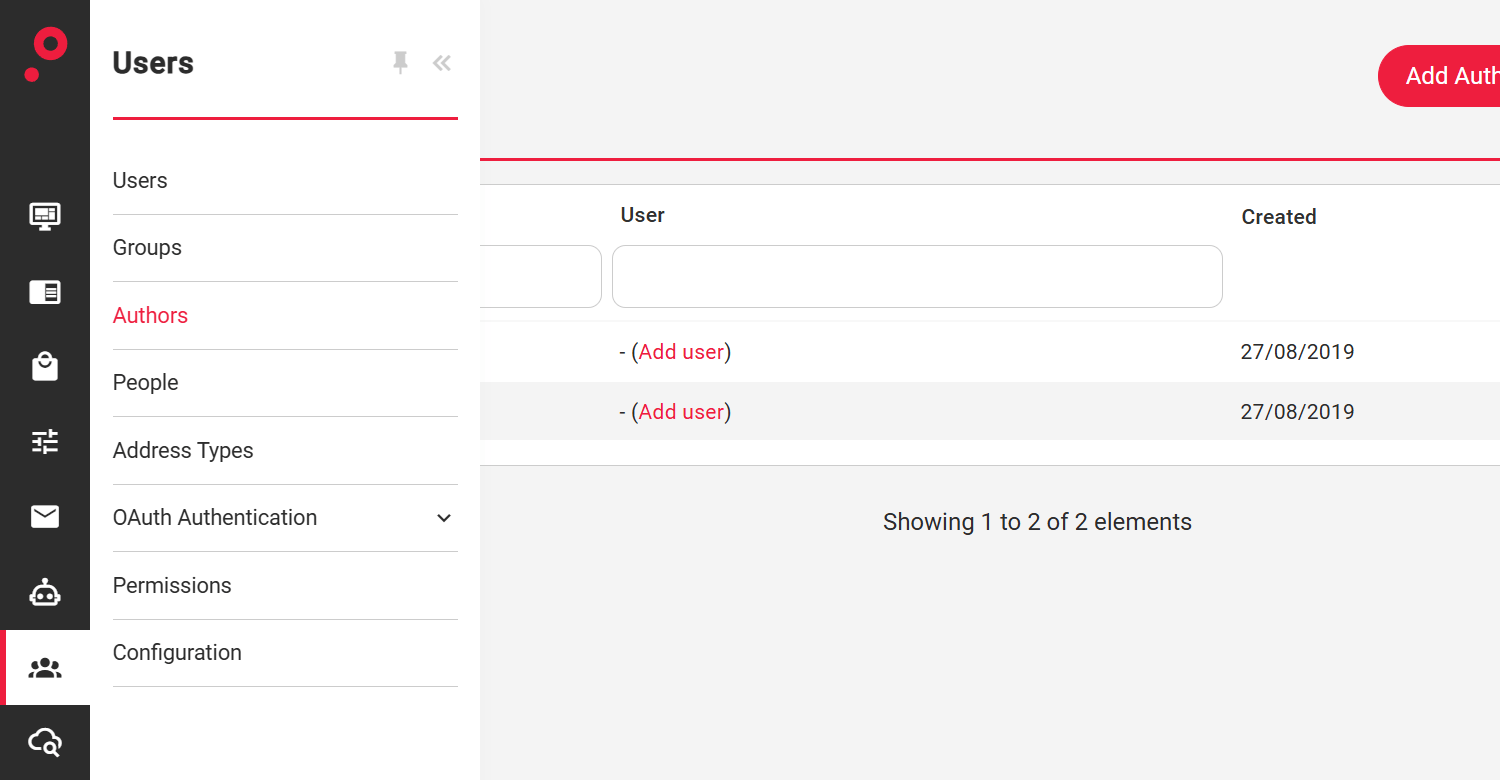
Navigate to Users > Authors to view all existing blog authors and also create new ones:
Authors area is a central area where all Blog authors are managed.
Navigate to Users > Authors to view all existing blog authors and also create new ones:
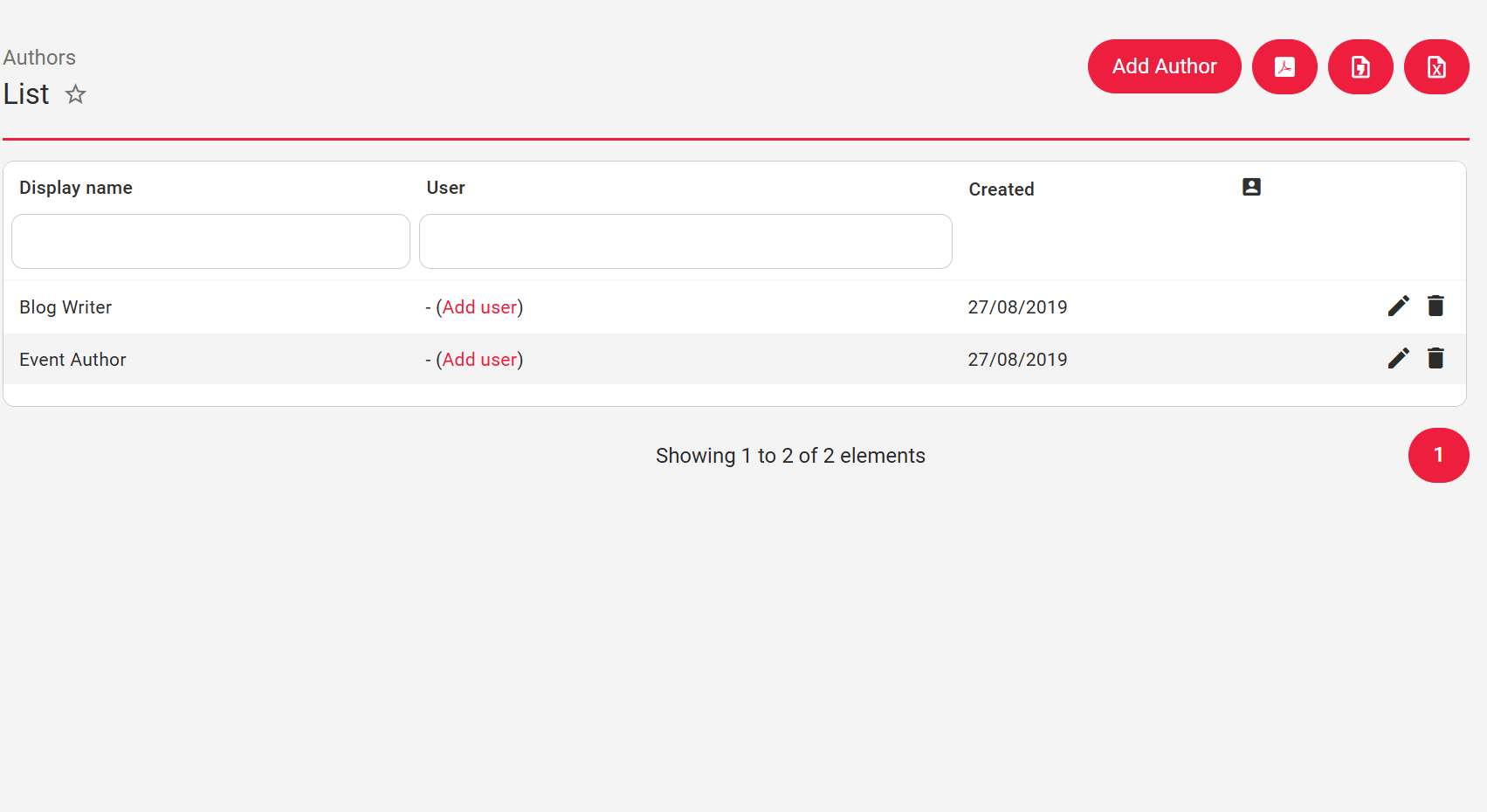
To add a new group click the “Add Author” button positioned at the top right of the Authors admin.
Within the “Add Author” admin area group can be configured with the following information:
Author Profile
Display Name
Website
About the Author
Use Gravatar
Image
Social Media Links
Click “Save” to create a new author.
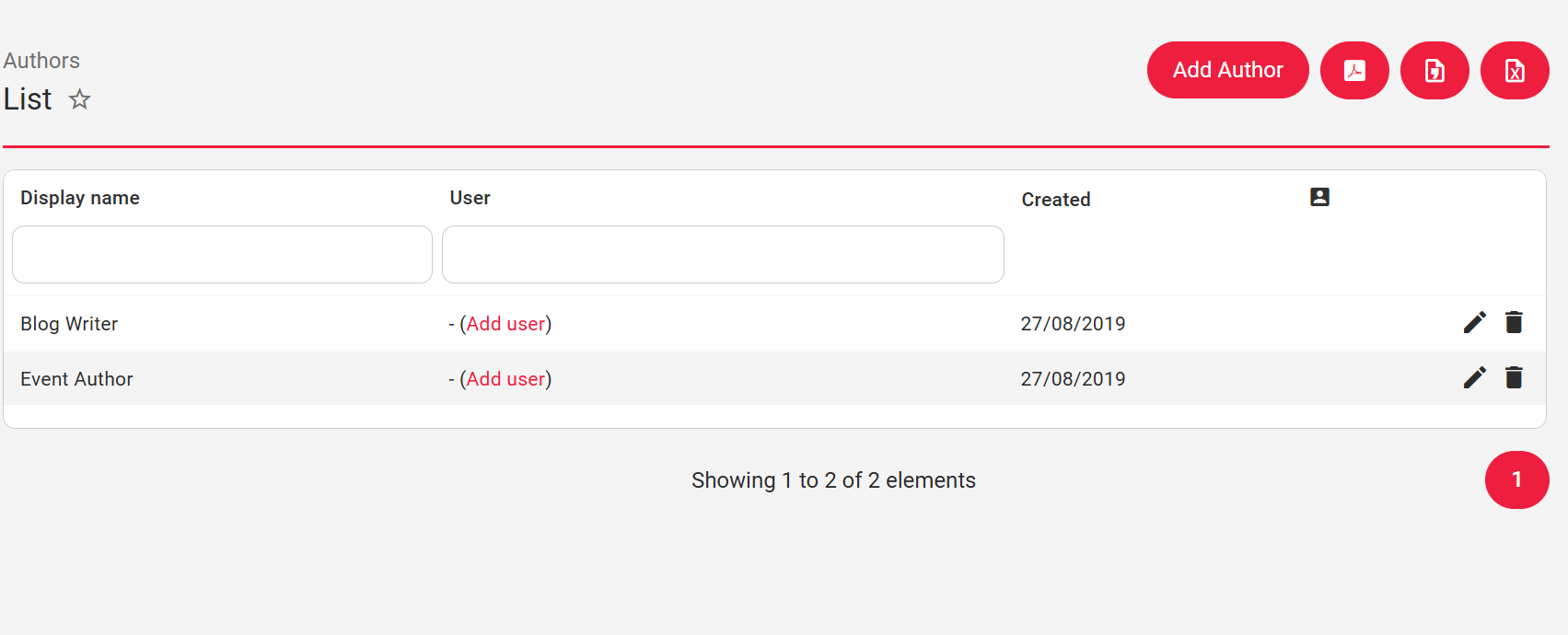
The new Author will be included in the table view within the main Authors admin area:
Created Authors can now be assigned to any Blog Post. Navigate to Content > Blogs > View Posts > Edit Post > Details Tab:

It is also possible to assign an existing admin user to an Author, to do so navigate to the Authors listing page and click on “Add User” to one of the available author profiles:
Was this page helpful?
Your answer goes to the docs team.