Core dna supports a multisite setup where multiple Clients can be configured. Each Client can then have multiple sites.
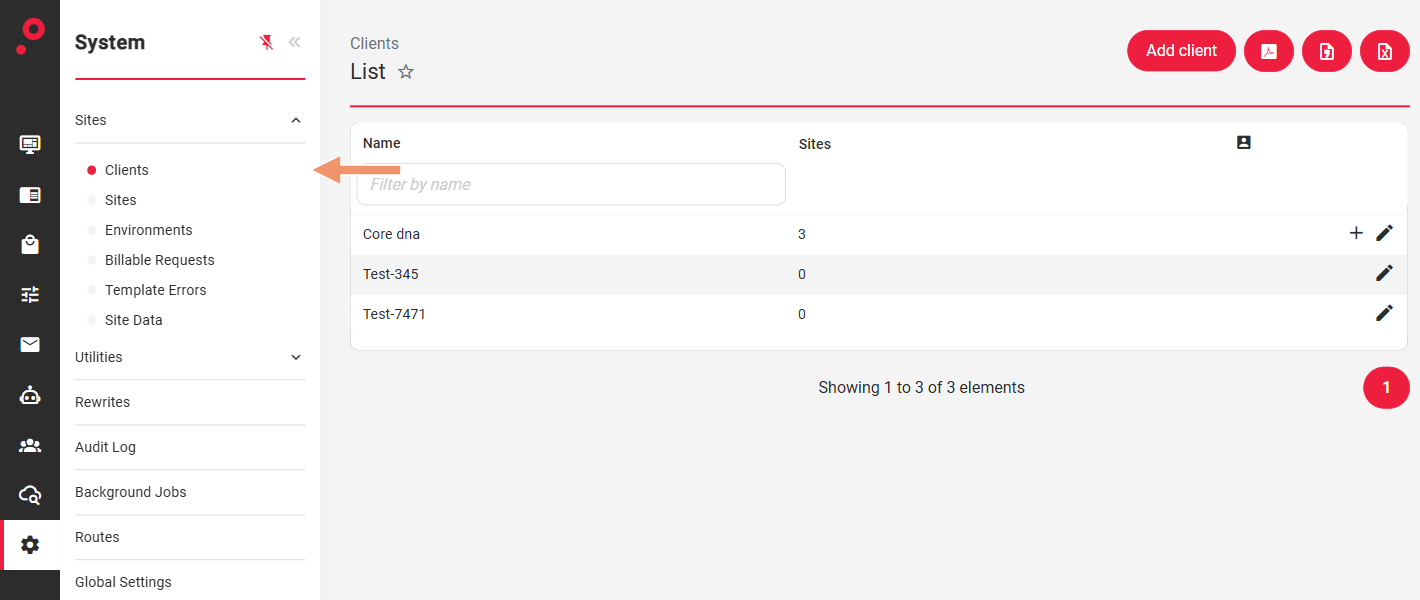
The "Clients" section can be found by following:
System-> Sites -> Clients
Core dna supports a multisite setup where multiple Clients can be configured. Each Client can then have multiple sites.
The "Clients" section can be found by following:
System-> Sites -> Clients
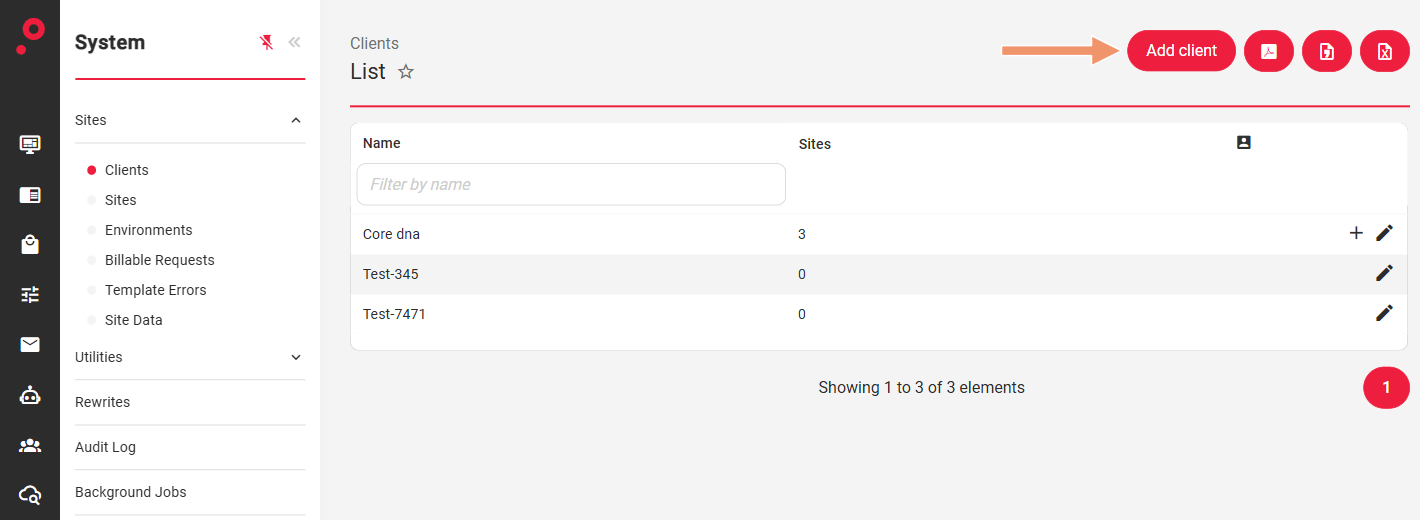
You may add a client by clicking the "Add Client" icon found on the upper right hand side.
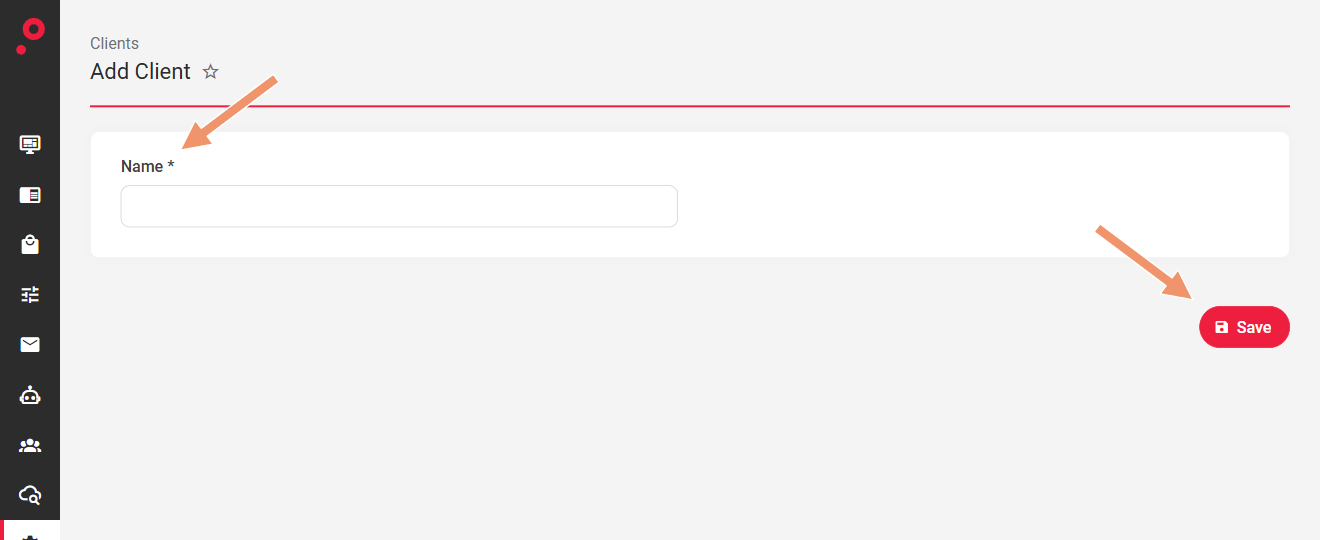
Within the “Add client” admin you can add the name of your client, and click the "Save" icon on the lower right hand side to save the client to the system.
The new Client will be added to the list on the main Clients admin page.
Was this page helpful?
Your answer goes to the docs team.