Live preview allows you to preview the content and the relevant content areas as it would appear on the page. This feature is useful to see what a page would look like before publishing a new version.
Live Preview
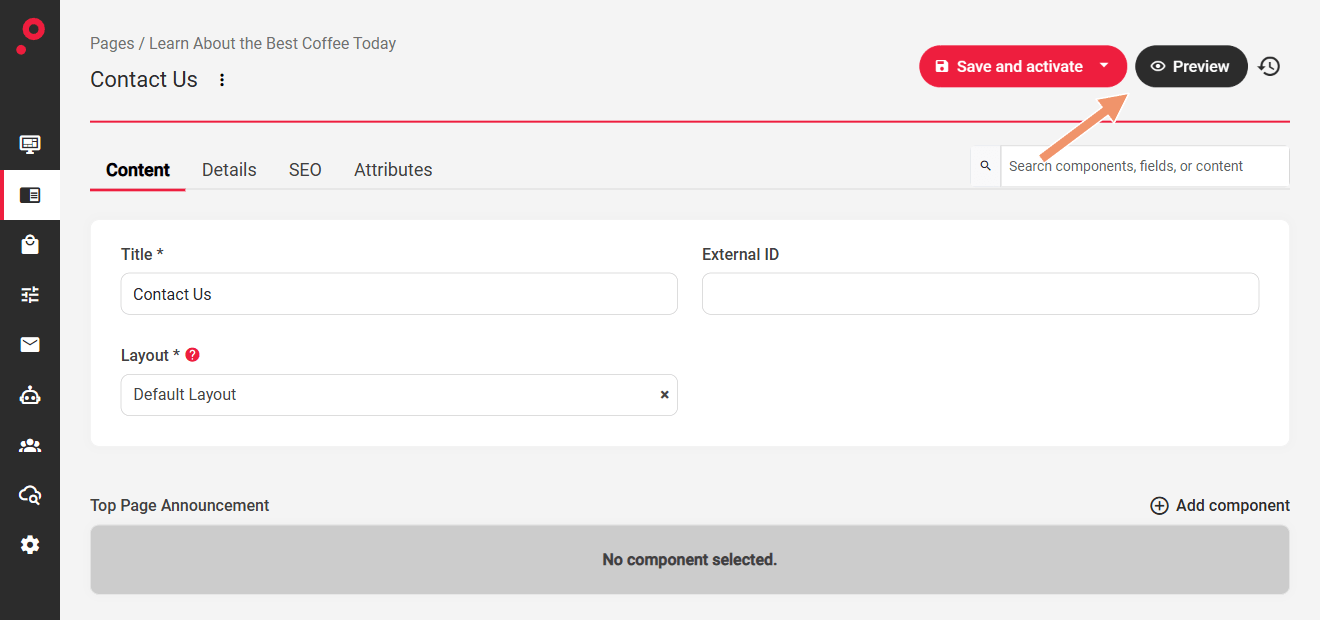
Live Preview shows content edits in real-time, while they are being changed within the component. It is also possible to directly edit content within the preview area - simply click on the content within the Live Preview and start typing.
Was this page helpful?
Your answer goes to the docs team.