Within the Global Settings area it is possible to configure the system to a specific timezone, language, cache settings and more.
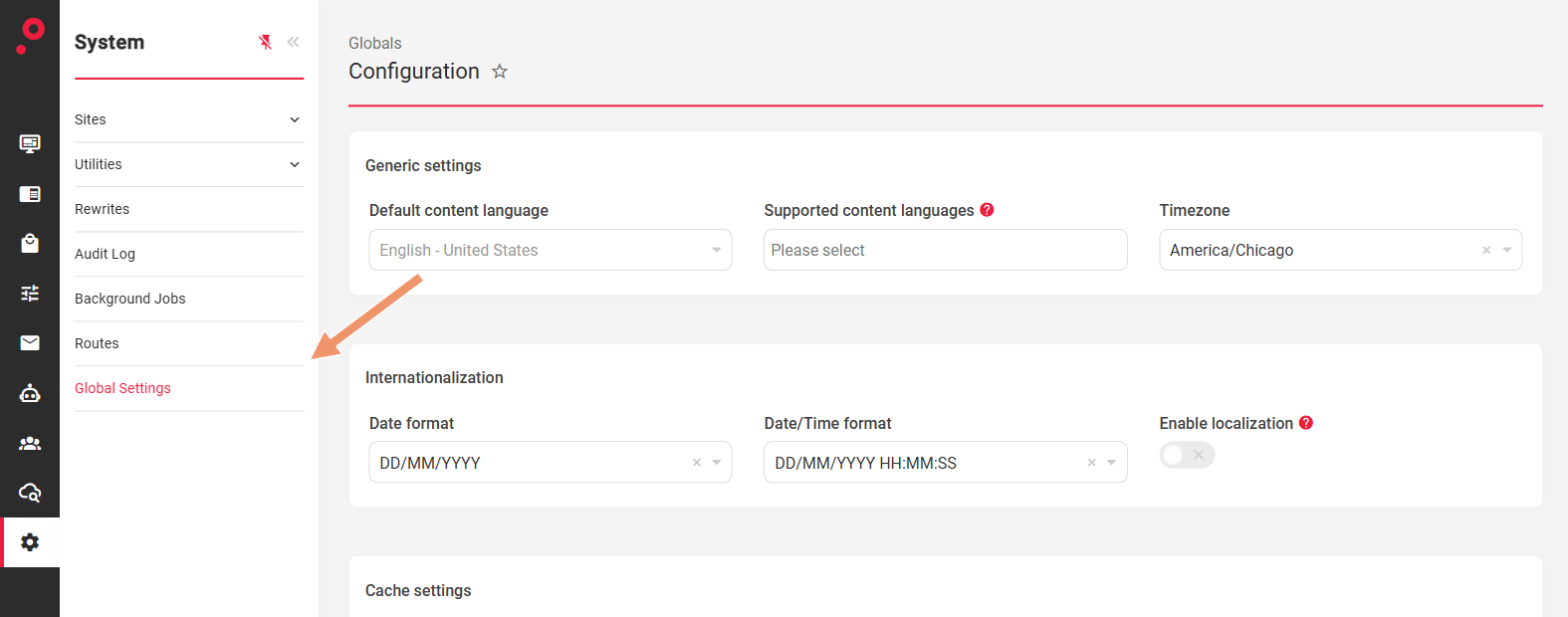
Navigate to System > Global Settings to access the main admin:
Within the Global Settings area it is possible to configure the system to a specific timezone, language, cache settings and more.
Navigate to System > Global Settings to access the main admin:
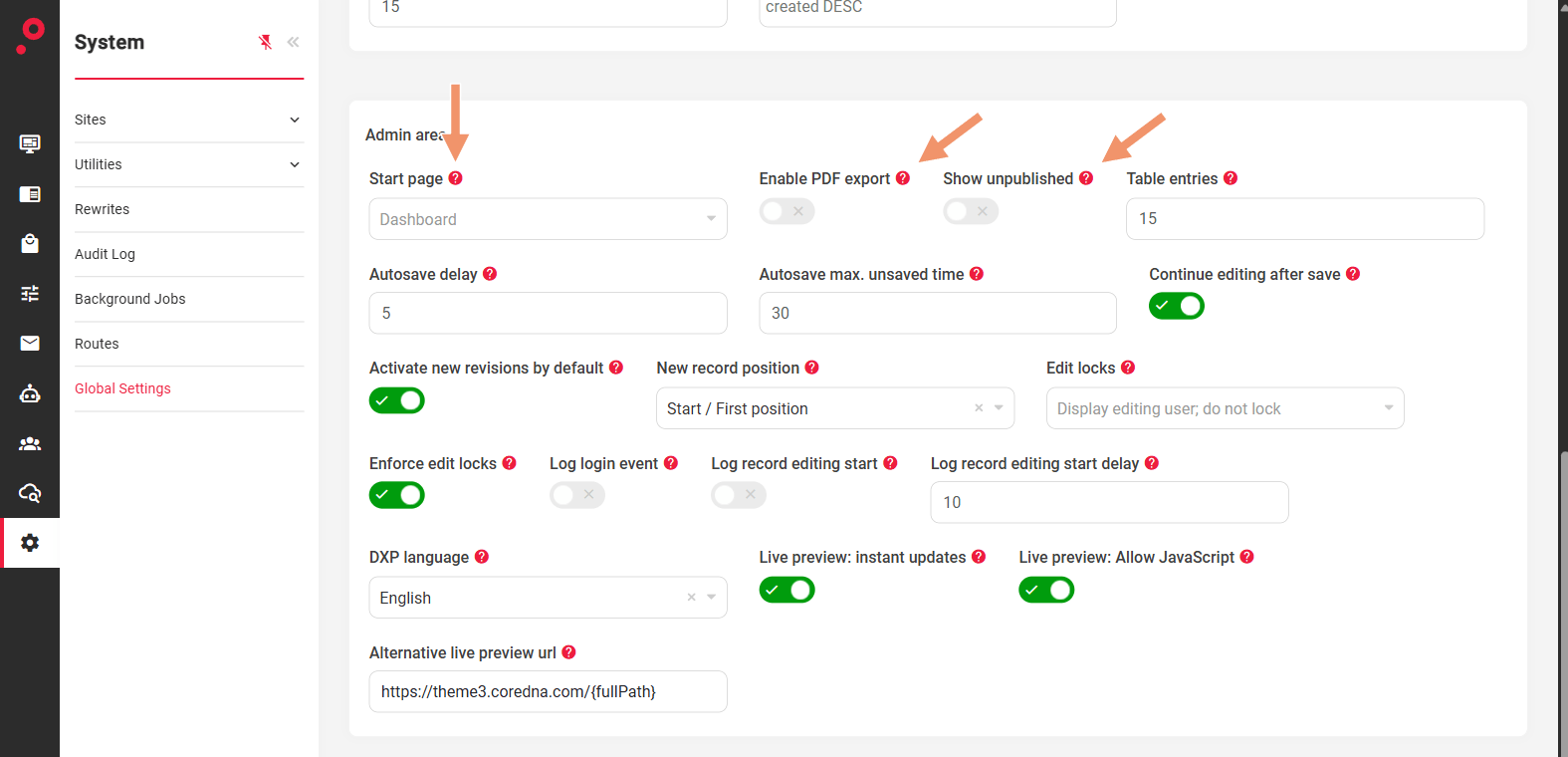
Purpose of each Global Setting item is explained within the Core dna admin by hovering over the “question” icon:
To save changes made to the Global Settings click the save button positioned at the bottom of the admin page.
Was this page helpful?
Your answer goes to the docs team.