Sites > Sites area is where all the individual sites are managed. Here we can add / edit / remove existing sites configured on the system.
Sites
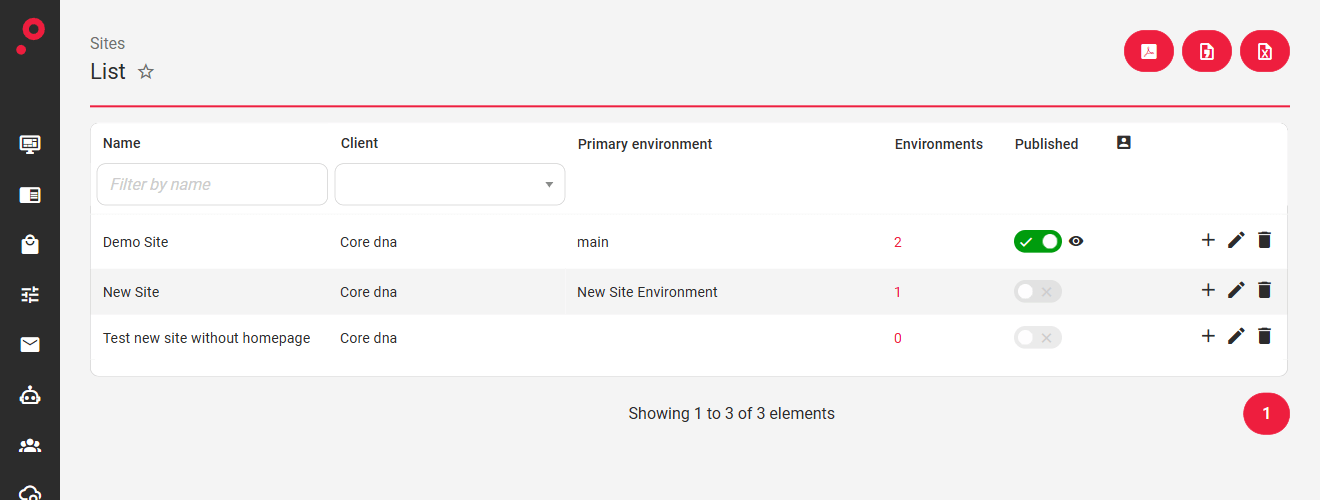
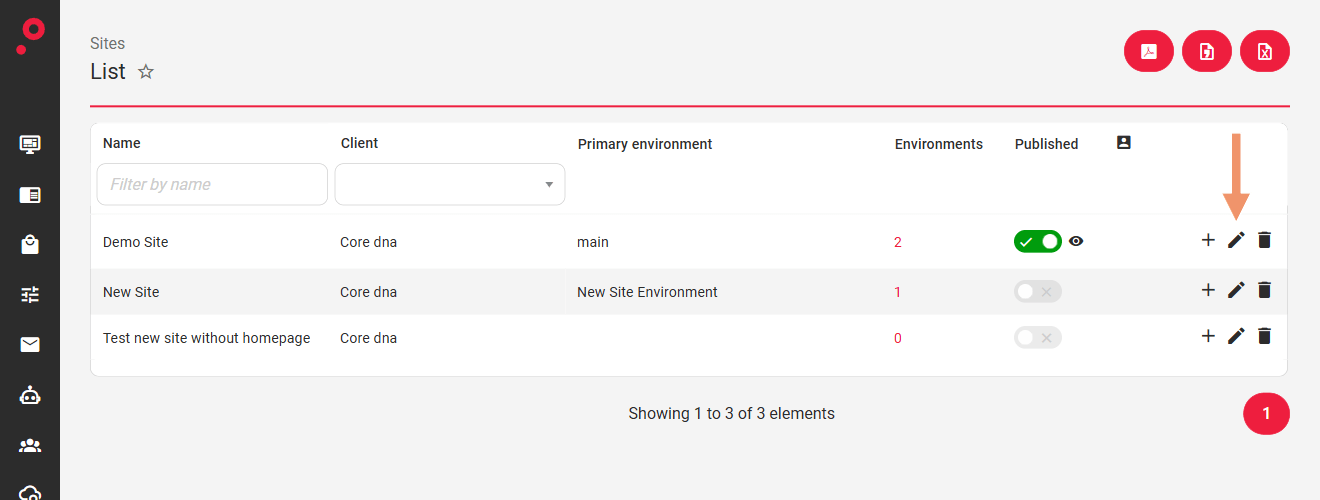
Each configured site can be modified by clicking the Edit “pencil” icon positioned on the right hand side of each site record. The “plus” icon adds a child environment to the site, and the “bin” icon removes the site:
By editing the site, you will find that you may change the name of the selected site and the primary environment:
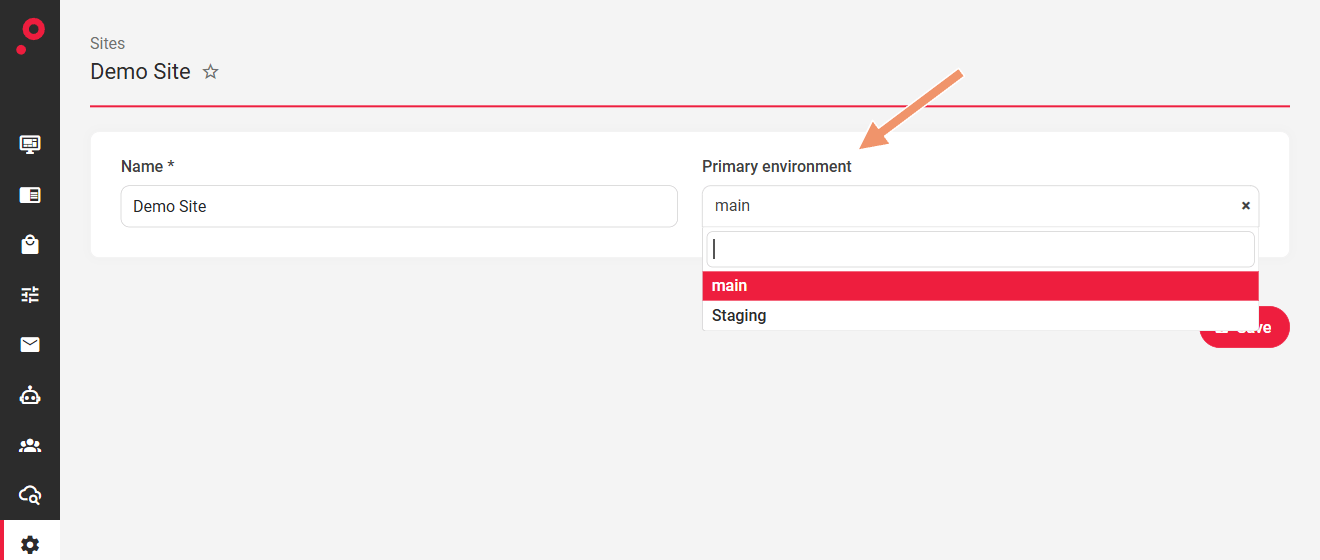
You may save your edited work by pressing the "Save" icon.
Was this page helpful?
Your answer goes to the docs team.