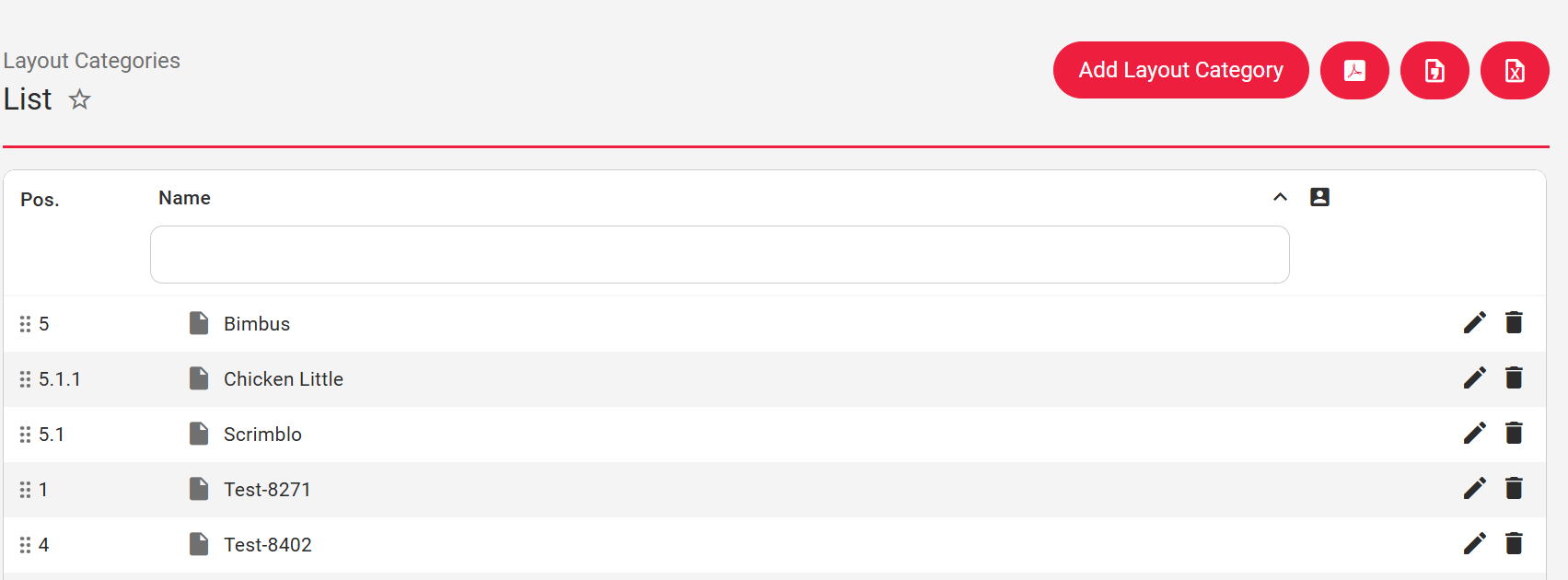
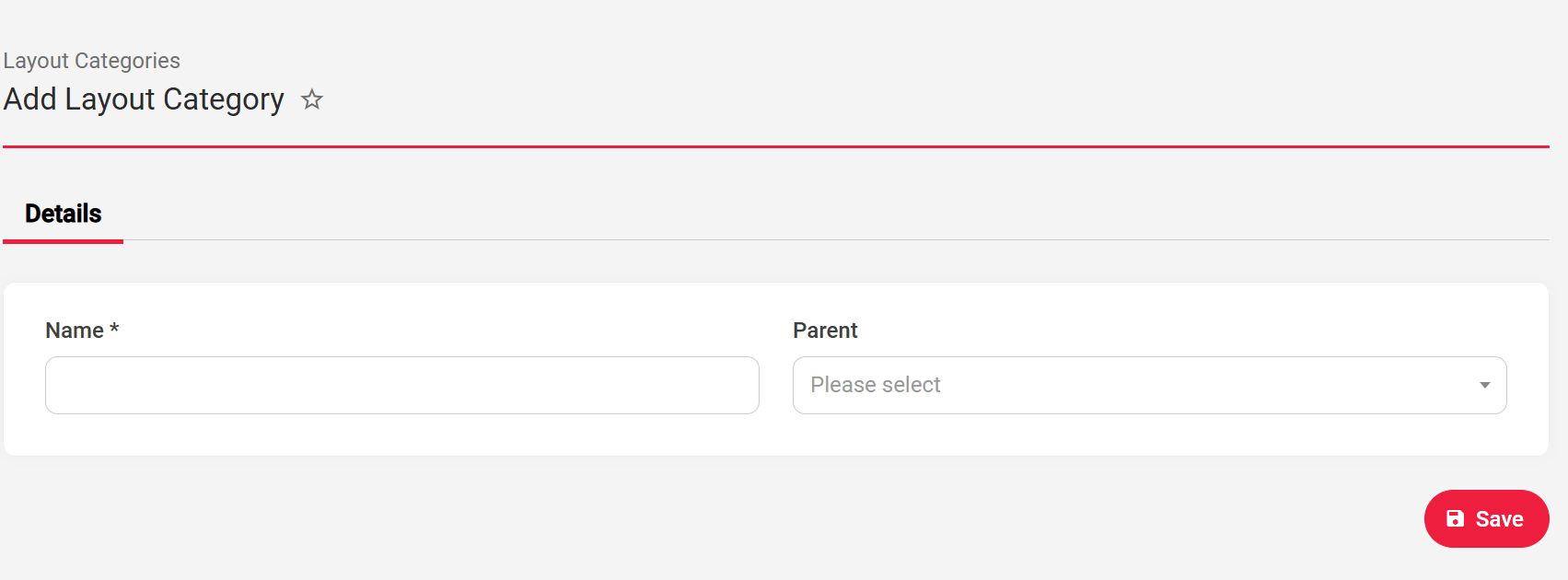
Within this area it is possible to create layout categories and organise the layouts into groups. For example, layouts from specific components can all be assigned to a single category (optional, but not required).
Create a Layout Category by clicking on the “Add Layout Category” button positioned at the top right corner of the Layout Categories admin area: